Tell people you're coming
- 1Make your card. Six styles, one headshot.
- 2Copy your post. LinkedIn and Instagram copy is ready to edit.
- 3Make your profile pic. A surfer headshot for LinkedIn.
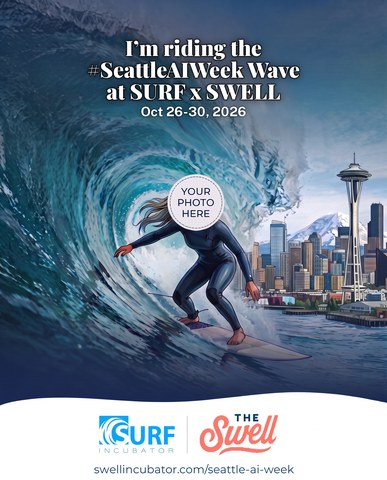
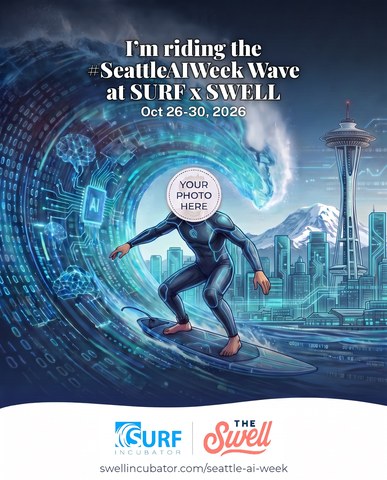
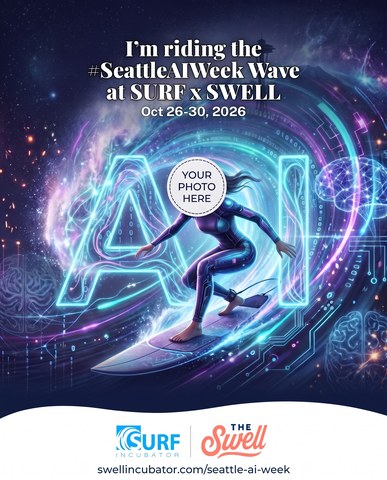
Make your card
I'm riding the #SeattleAIWeek Wave at SURF x SWELL
Upload your headshot, pick one of six styles, and we paint you in as the surfer. It takes about half a minute. Your photo is ready to download once its created and is not stored.
Pick your wave
Checking your image allowance...
Copy your post
Suggested copy to post with your card
Fill in the brackets with your session or day and what you want out of the week, then copy the version you need.
Tag @Sally Revell and @Seaton Gras when you post.
Fill in the brackets, then copy.
Instagram / Facebook
Tag @Sallyrevellofficial and @swellincubator
Fill in the brackets, then copy. Add the link in bio.
Make your profile picture
Make me a surfer LinkedIn profile pic
A round profile picture of you as a surfer, ready for LinkedIn. Pick the badge you like, then make your pic.
Pick your badge
Checking your image allowance...
Before you upload
Your photo, and what the AI does with it
- Use your own photo. Upload a picture you have the right to share, and only use someone else's photo with their permission.
- Your photo leaves your device. When you press make, the file goes to our website's server and on to an AI image service that draws the picture. Nothing is sent until you press the button.
- We don't keep your photo. The finished picture comes straight back to your browser for you to download. We do keep a count of how many pictures each visitor has made so the six per session limit works, and that count holds no photo.
- The result is a drawing, not a photograph. It may not look exactly like you and small details can come out wrong, so check it before you post.
- Posting is your call. What you do with the card or profile pic is yours to decide, and the AI service's own terms apply while it works on your picture.
Full details sit in our Privacy Policy and Terms of Service.